
WhatsApp API for Alerts and Campaigns
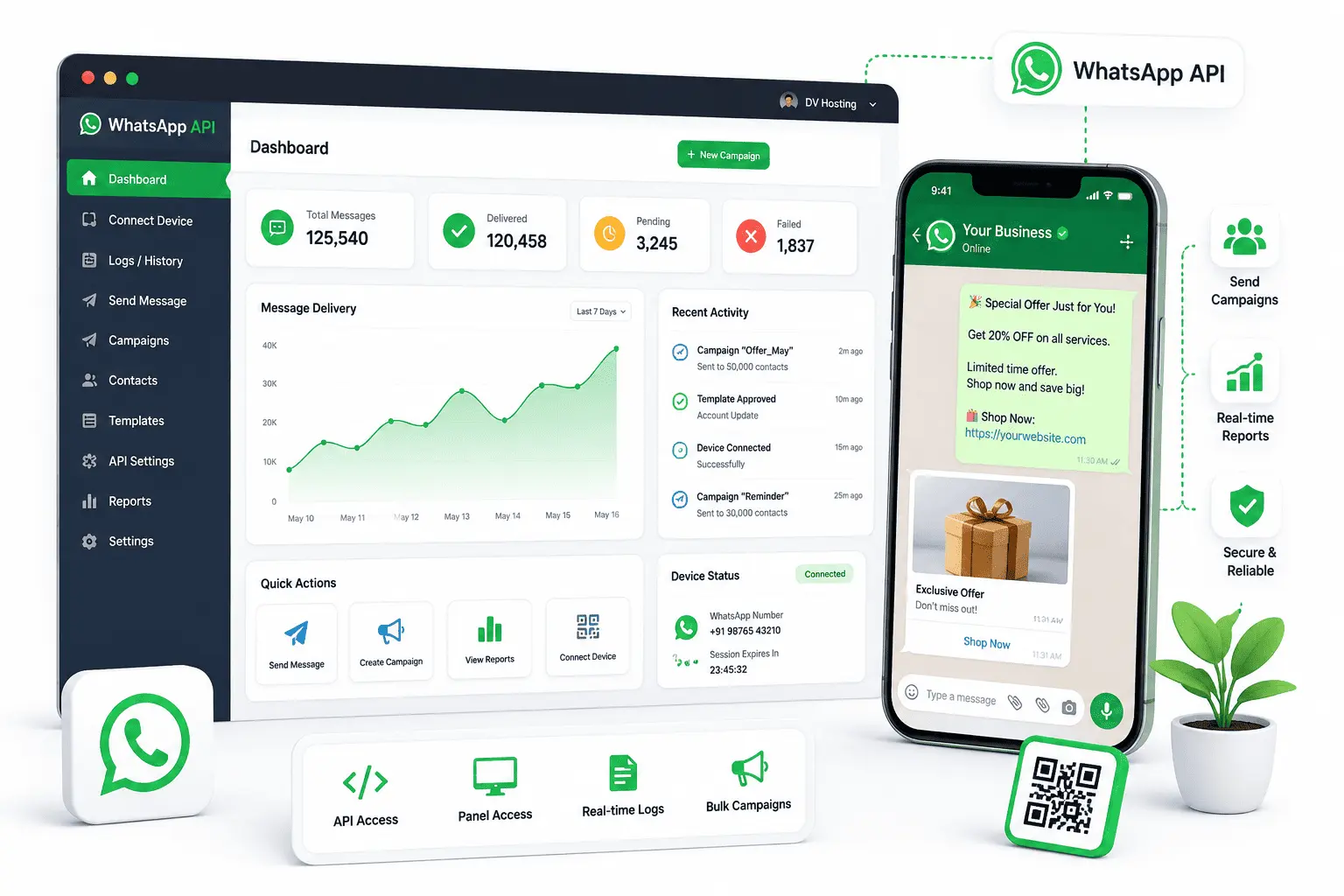
Link your own number by QR code or our Android app, then send order updates, reminders and campaigns through a REST API or the campaign portal. No Meta fee and no template approval.
Your personal support executive.




Based on 1000+ feedbacks

Technical Specification
Unofficial WhatsApp sending, by API or campaign portal
Why Choose DV Connect for WhatsApp?
The quick route onto WhatsApp, described honestly
WhatsApp messages get opened, and this is the fastest way onto the channel. Link your own number by scanning a QR code, or send through our Android app, and you are running in minutes: no business verification, no template approval queue, and no Meta invoice at the end of the month.
You get a REST API your systems can call and a portal your team can run campaigns from, with personalised text and media on every message. What you do not get is a shared inbox, which belongs to our Unofficial WhatsApp Chatbot, or the protections of Meta's official platform. This is unofficial automation, the number can be restricted, and the plans carry a daily cap partly for that reason. Sent sensibly to people who expect to hear from you, it works very well, and it costs a fraction of the official channel.
What Our Clients Say About Our Messaging Service
Feedback from ecommerce, clinics and service businesses
Order updates on WhatsApp with the invoice attached cut our "where is my order" calls dramatically.
Scanned the QR and we were sending the same afternoon. No paperwork, no waiting for approval.
The campaign portal is simple enough that our front desk runs the broadcasts without involving us.
They were straight with us about the ban risk and told us to keep volumes sensible. Two years on, no trouble.
Related WhatsApp Services
The rest of the WhatsApp range
Unofficial WhatsApp Chatbot
The same engine with a shared inbox and chat automation added.
Official WhatsApp Chatbot
The official route: verified profile, approved templates, no ban risk.
Promotional WhatsApp
Bulk campaigns with images, buttons and personalised text.
Rich RCS Messaging
Branded rich messaging in the default Android inbox.
Frequently Asked Questions
How the number links, what it costs, the ban risk and the daily limit
No, and it is important you know that before buying. This is an unofficial API built on Baileys, the same technology as our Unofficial WhatsApp Chatbot. Your own number is linked to it the way WhatsApp Web is linked. It is not Meta's Business API, so there is no verified business profile, no template approval and no Meta invoice.
Two ways. Scan a QR code from the portal, exactly as you would to open WhatsApp Web, or use our Android app method, where the app on a phone with your SIM does the sending. Both are set up in a few minutes with no documents and no waiting for approval.
Yes. This is unofficial automation, so WhatsApp can restrict or ban the number. It is a real risk and we will not tell you otherwise. Keep volumes sensible, message people who expect to hear from you, avoid identical bulk text to strangers, and never use a number you cannot afford to lose. If a ban would be serious for you, take the official WhatsApp Business API instead.
No. There is no Meta conversation charge and no separate template fee. You pay us for the plan and nothing else, which is what makes this route cheaper than the official API.
No. There is no template approval and no 24 hour window rule to work around, because those belong to Meta's official platform. You send the text you want, when you want, within the daily limit of your plan.
Yes. The portal takes a contact list and sends a campaign with personalised text and media, so a non technical person can run a broadcast without touching the API.
No. This product is the sending API and the campaign portal only. If you need agents replying to customers from a shared inbox, that is our Unofficial WhatsApp Chatbot, which is the same engine with the inbox included.
Yes. Every plan carries a daily message cap, and choosing a plan that matches your real volume is also what keeps the number healthy. Sudden spikes are what get numbers restricted.
Yes. Images, video, documents and links all send, and each message can carry personalised text such as a name or an order number.
The QR method links this as an extra device, the same as WhatsApp Web, so the number keeps working on your phone. The phone needs to stay online for the link to hold. With the Android app method the app itself does the sending.
What Is This WhatsApp API?
It is an unofficial WhatsApp API. Your own WhatsApp number is linked to our platform by scanning a QR code, the same action as opening WhatsApp Web, or messages are sent through our Android app running on a phone with your SIM. From then on your systems can send messages through a REST API, and your team can run campaigns from a portal.
It is built on Baileys, the same technology as our Unofficial WhatsApp Chatbot, and the difference between the two products is the inbox: the chatbot adds agents replying to customers, while this one is sending only. Neither is Meta's WhatsApp Business API. There is no business verification, no template approval, no 24 hour window and no per conversation charge from Meta, which is why it is quick to start and cheap to run.
The trade off is the number. Unofficial automation is against WhatsApp's terms, and a number can be restricted or banned, particularly when identical messages go to people who never asked for them. Businesses that use it well send to their own customers, keep within the daily limit on their plan, and use a number they could replace. If a ban would seriously hurt your business, the official WhatsApp Business API is the right choice instead, and we will set that up for you.