
Text to Speech Voice Calls With API
Get your message template approved in the panel, then pass the variables through the API and we place the call in a natural sounding voice. Personalise every call with names, amounts and dates without recording a single file.
Your personal support executive.




Based on 1000+ feedbacks

Technical Specification
What the text to speech engine gives you
Why Choose DV Connect for Text to Speech?
Type it, and we will say it, differently on every call
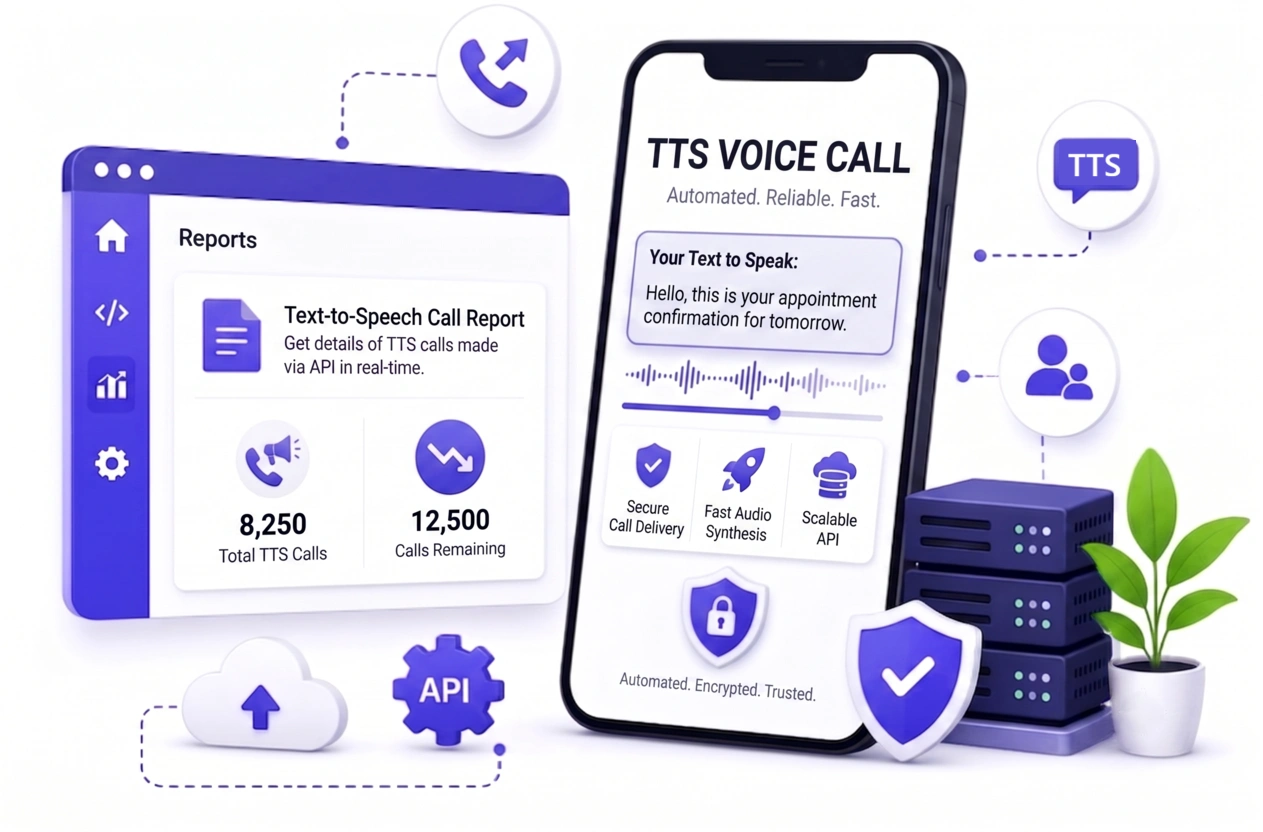
Recording audio is fine when the message never changes. The moment you need to say a customer name, an outstanding amount or tomorrow's appointment time, a fixed recording stops working. Text to speech generates the audio for each call from the text you supply.
Write the message once in the panel, get the template approved, then call the API with the number and the values for that call. It slots straight into a cron job, an order webhook or a CRM automation, so payment reminders, delivery updates and appointment confirmations run without anybody touching them.
What Our Clients Say About Our Messaging Service
Feedback from clinics, NBFCs and logistics teams
Payment reminder calls now run from a cron job with the customer name and amount in each one. Collections improved without adding a single caller.
We stopped recording audio entirely. Appointment reminders come straight out of the booking system.
Hindi playback quality is good enough that customers do not realise it is generated.
Keypress confirmation on delivery calls saves our field team a lot of wasted trips.
Related Voice Services
Other ways to reach customers by phone
Frequently Asked Questions
Languages, personalisation, DLT, charging and automation
You write your message as a template in the panel and we place a phone call that reads it out in a natural sounding voice. There is no audio file to record, edit or upload, so the content of every call can be different.
You write the message once in the panel as a template, marking the parts that change as variables - for example "Hello {#name#}, your order {#order#} is out for delivery." The template is submitted for approval, and once approved it is ready to use on live calls.
Through the API. Once your template is approved you call the API with the number, the template and the values for that call, and we generate the audio and place the call with those details spoken. The wording stays exactly as approved and only the variables change.
English and Hindi are available as standard, with major regional languages including Marathi, Gujarati, Bengali, Tamil, Telugu, Kannada and Punjabi. Male and female voices can be selected per call.
Yes, and that is the main reason to use it. Your approved template carries variables for the customer name, amount, date or order number, and you pass the values per call through the API so every recipient hears their own details.
A promotional campaign plays one fixed recording to a whole list. Text to speech generates the audio per call from text you supply, which suits reminders, alerts and anything personalised.
No. Text to speech calling is outside the DLT SMS framework, so there is no entity, header or template registration required to start.
A valid business proof - your GST certificate, MSME registration or company registration certificate. Calls are placed under your business identity, so we verify the business before the service is switched on. Nothing else is needed: there is no DLT registration and no audio to record.
Yes. It is a single REST call, so you can fire it from a cron job, an order webhook, a CRM automation or your billing software.
Per connected call in 30 second pulses, and only for calls that connect. Charging is delivery based, so if the call is not delivered or not picked up, no amount is cut. Unanswered, busy and rejected calls are never deducted from your balance.
Yes. Enable keypress capture and the listener can press a key to confirm, opt out or be transferred to your team. The keypress is shown against that call in the campaign report.
Yes. The panel lists every call with its number, status, duration, the pulses charged and any keypress captured. The same detail is available through the API, so call outcomes can be pulled into your CRM or reporting without exporting anything by hand.
A single call comfortably carries a few hundred characters. Longer text simply takes more pulses, which is reflected in the charge.
No. Text to speech credits stay in your account until they are used.
What Is Text To Speech Calling?
Text to speech calling turns written words into a spoken phone call. Rather than recording audio, you write the message once in the panel as a template with placeholders for the parts that change, and the platform generates the audio for each call.
That is what separates it from a recorded campaign. A fixed recording says the same thing to everyone; a text to speech call can name the customer, quote their outstanding amount and give their appointment time, because you pass those values through the API when you trigger the call.
The template is approved in the panel before it goes live, and the approved wording stays fixed while only the variables change. English, Hindi and the major regional languages are available, in male and female voices.